Your brand at every candidate touchpoint
Create and save a theme with your brand colours, publish on your own domain, hide the 'Powered by Role.so' badge, and present the candidate interface in 10 languages.




Trusted by recruiters at





Make every recruitment page feel like your brand
12 colour themes, ready to use
Start with a coordinated palette such as Midnight, Ice, Gold, Lavender, and more.
Create and save your own theme
Save your four brand colours in a workspace setup and reuse them across its recruitment pages.
Custom domain
Publish recruitment pages on an address that belongs to your brand.
White-label
Hide the 'Powered by' badge and present everything as fully your own.
Candidate interface in 10 languages
Localise buttons, labels, forms, and system messages for every candidate.
Set up your brand once, then reuse it
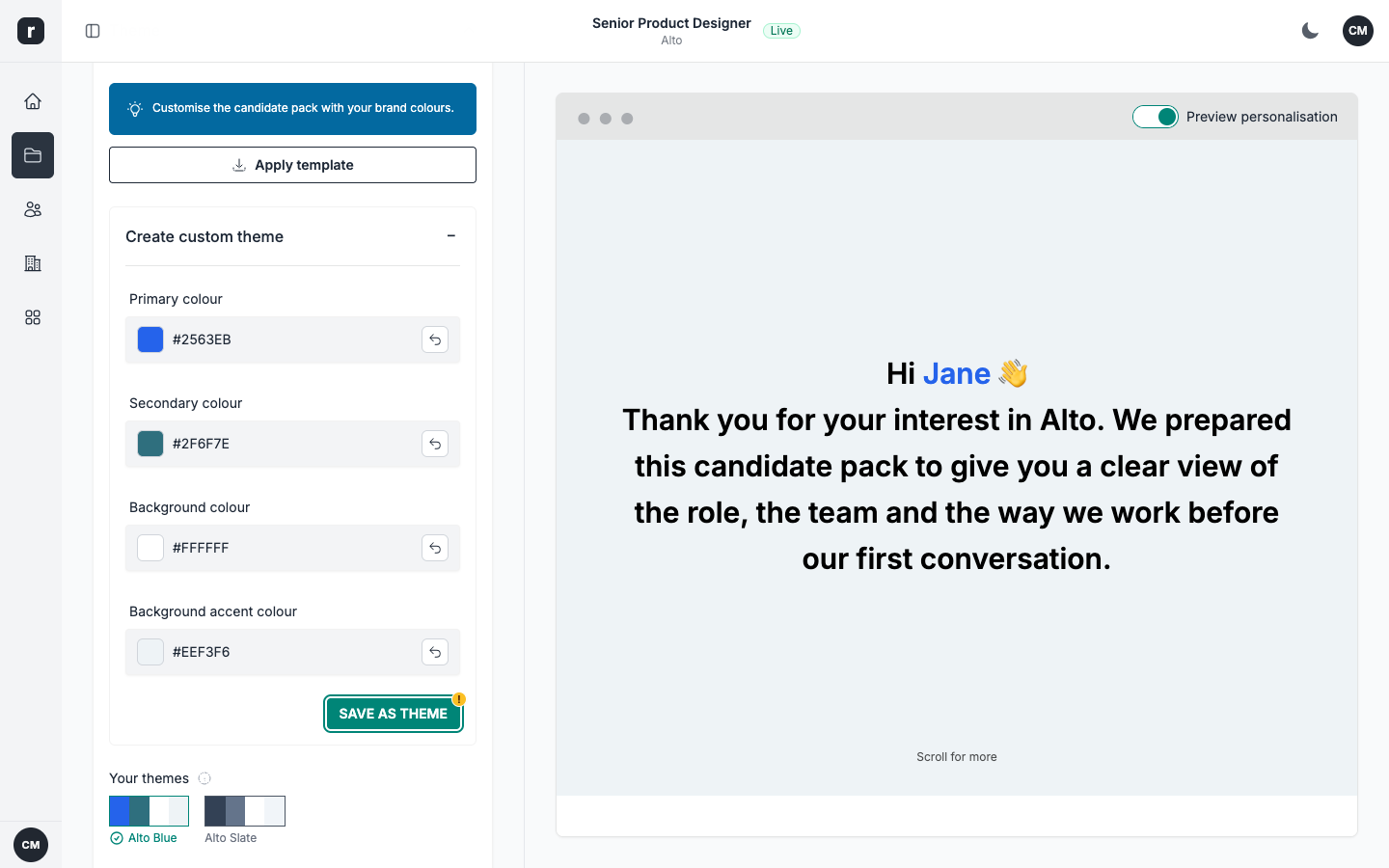
Your brand, ready for every page
Start with one of 12 coordinated colour themes or create your own. Set the primary, secondary, background, and accent colours, give your theme a name, and save it once. If you manage several brands, clients, or regions, each workspace can keep its own visual identity so new recruitment pages always start with the right look.
- Choose from 12 ready-to-use colour themes
- Create and name a theme with your company colours
- Keep a distinct visual identity in each workspace
Aaron
Hiring Manager
Your domain, your experience
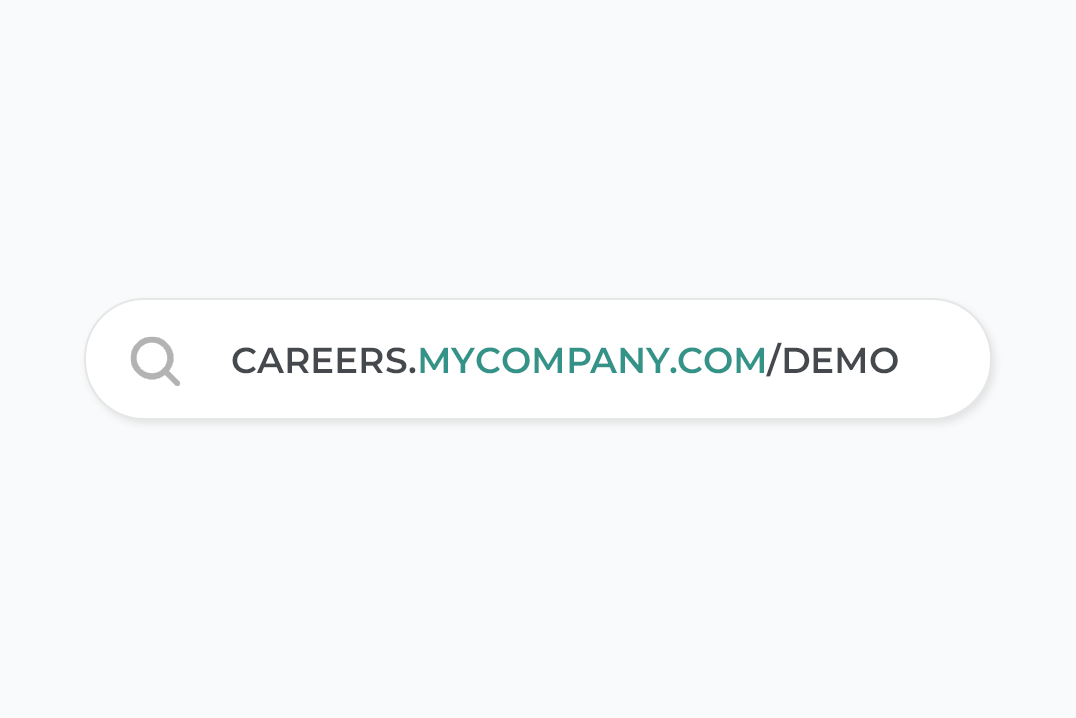
Connect your own domain or subdomain and serve every recruitment page from an address your candidates recognise. SSL is provisioned automatically, so each visit is secure from the first click with no certificates to manage.
- Publish recruitment pages on your own domain or subdomain
- Automatic SSL keeps every visit secure
- Keep the journey consistent from your website to your recruitment pages
Brando
Recruitment Consultant
Keep the same look across every page
What recruiters say about Role.so
 Aaron, Hiring Manager
 Brando, Recruitment Consultant
 Ammy, Talent Acquisition Specialist
Related guides and tools
Continue with a practical guide, then choose the candidate-facing tools that fit your workflow.
- How to Improve Candidate Experience: A 5-Part Framework
Learn how to improve candidate experience with a five-part framework for clearer roles, fairer processes, faster feedback and easier applications.
Frequently asked questions
You can serve recruitment pages from your own domain (or a subdomain). Once connected, every page link uses your domain instead of role.so, so the experience stays fully on brand.
Yes. SSL is provisioned automatically for your custom domain, so every visit stays secure without manual certificate management.
Yes. Start with one of 12 default themes or set your own primary, secondary, background, and accent colours. You can name and save the result as a reusable theme for your recruitment pages.
The candidate interface is available in Dutch, English, French, German, Italian, Norwegian, Polish, Portuguese, Spanish, and Swedish. This localises buttons, labels, forms, and system messages.
White-label mode hides the 'Powered by' badge so the candidate experience is presented entirely under your brand.